

 Support


 UK
UK  PL
PL 





Instructions: How to Buy / Book a Ticket on Lev-Bus
1. Register / Log in
- Go to the LEV-BUS website.
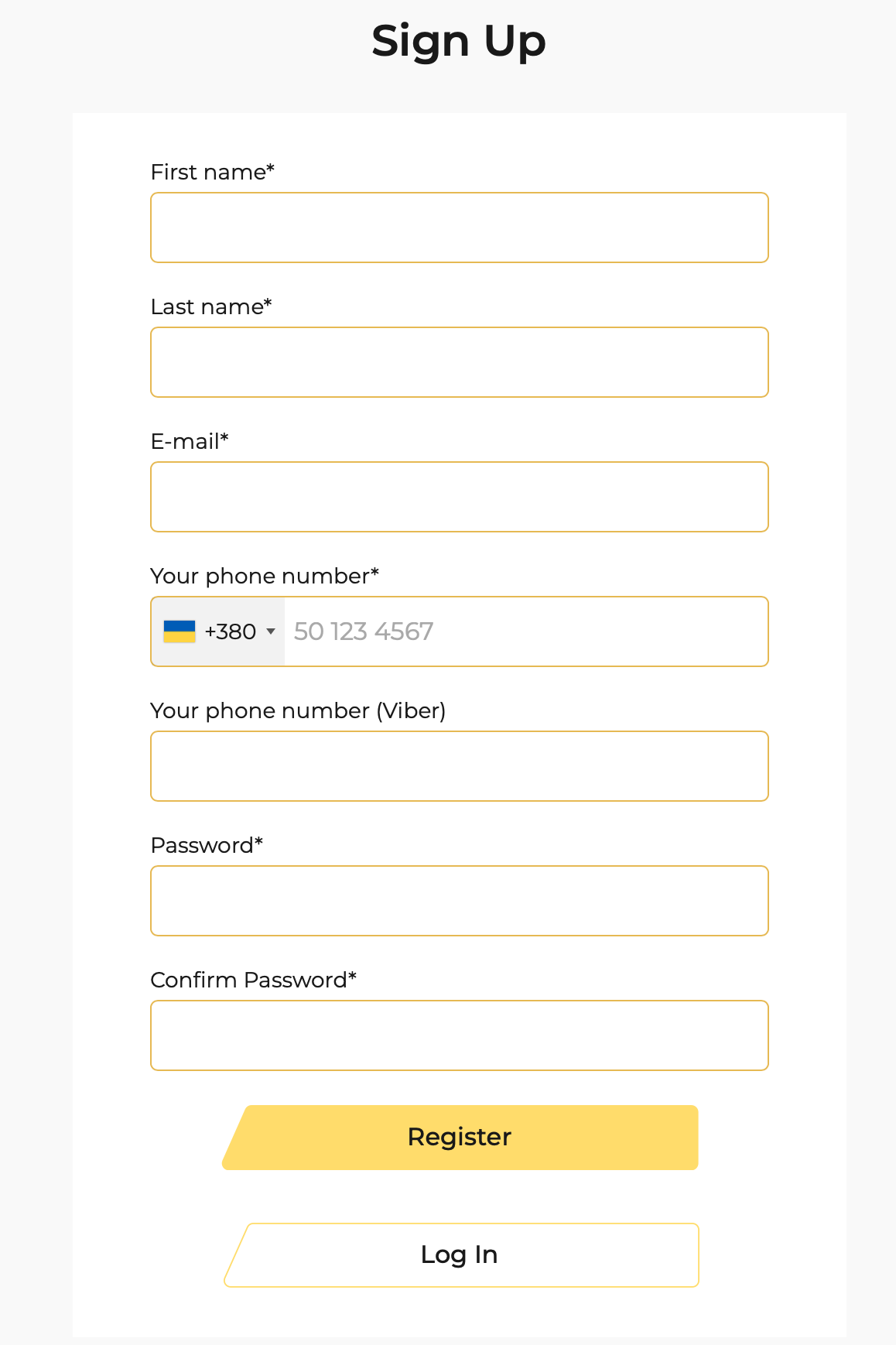
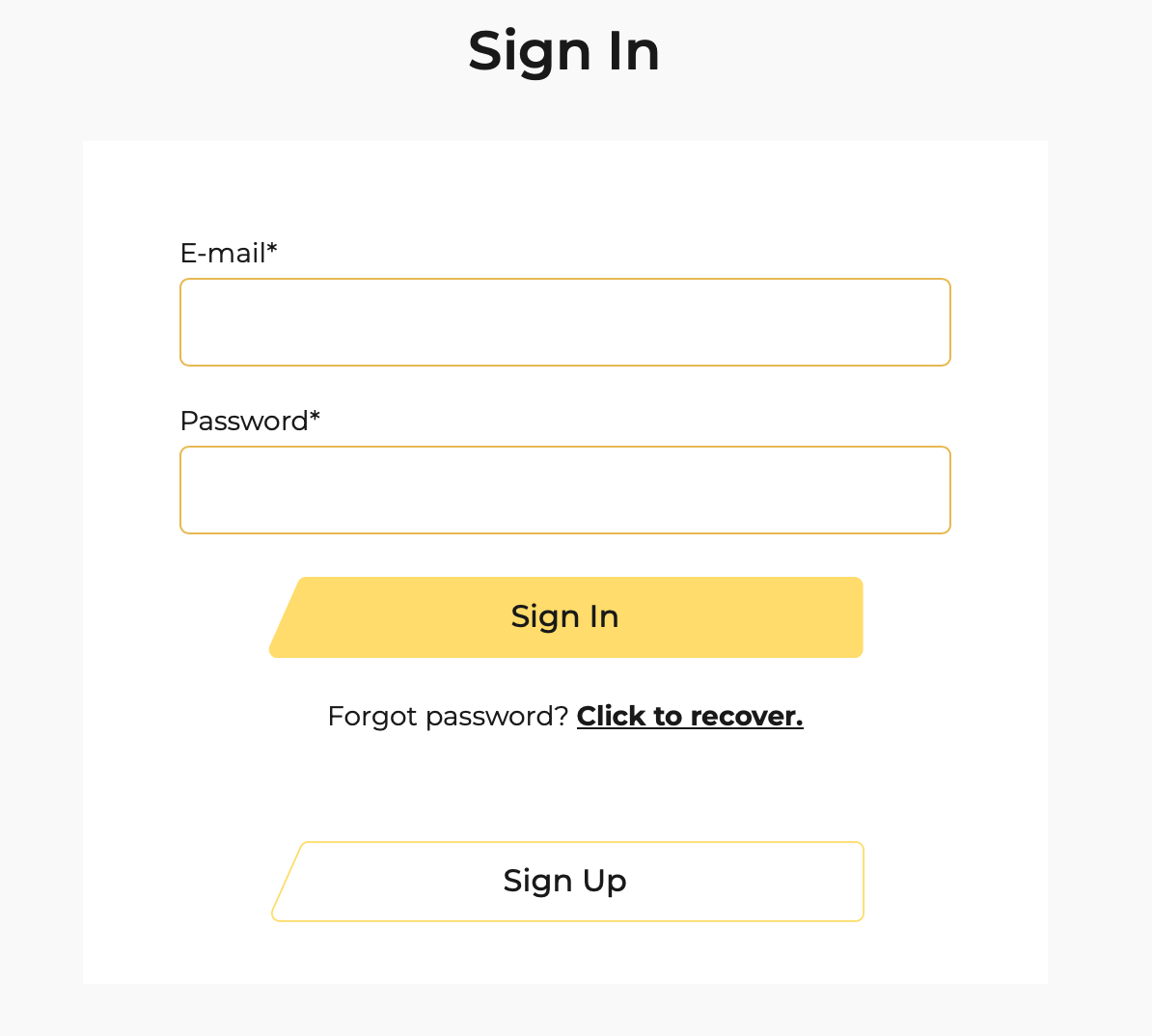
- If you don’t have an account yet – click “Sign Up”, enter the required information. If you already have an account – log in by clicking “Log in”.
-
2. Choosing route, date, and trip
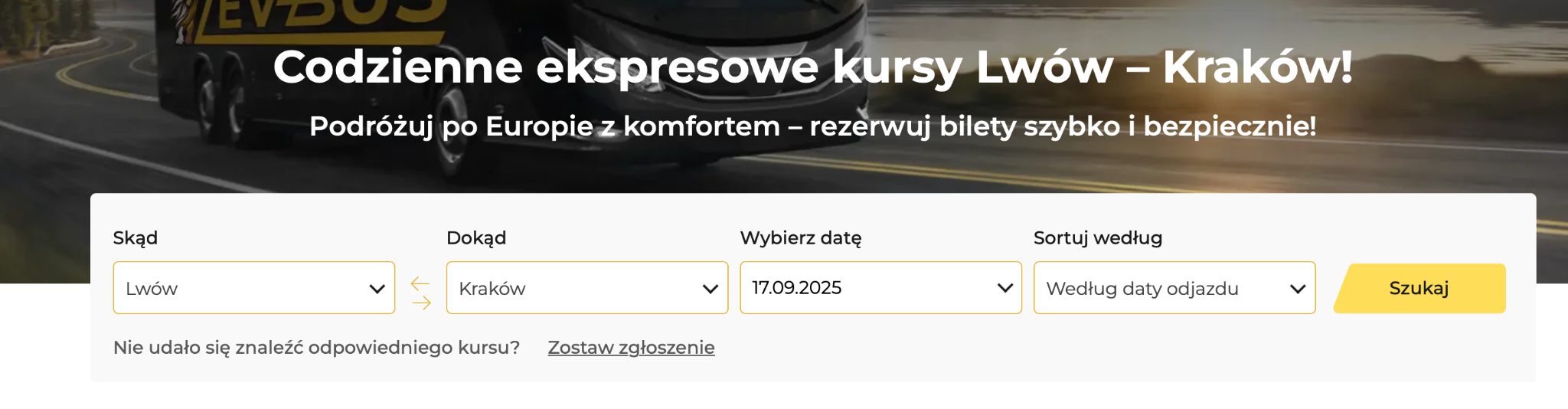
- On the homepage of the LEV-BUS website, you can search for your travel route.
- In the field “Where from” select the departure city.
- In the field “WHere to” select the destination city.
- Enter the travel date.
- Click “Search” (or a similar button) to see the available trips.
-
3. Choosing a seat
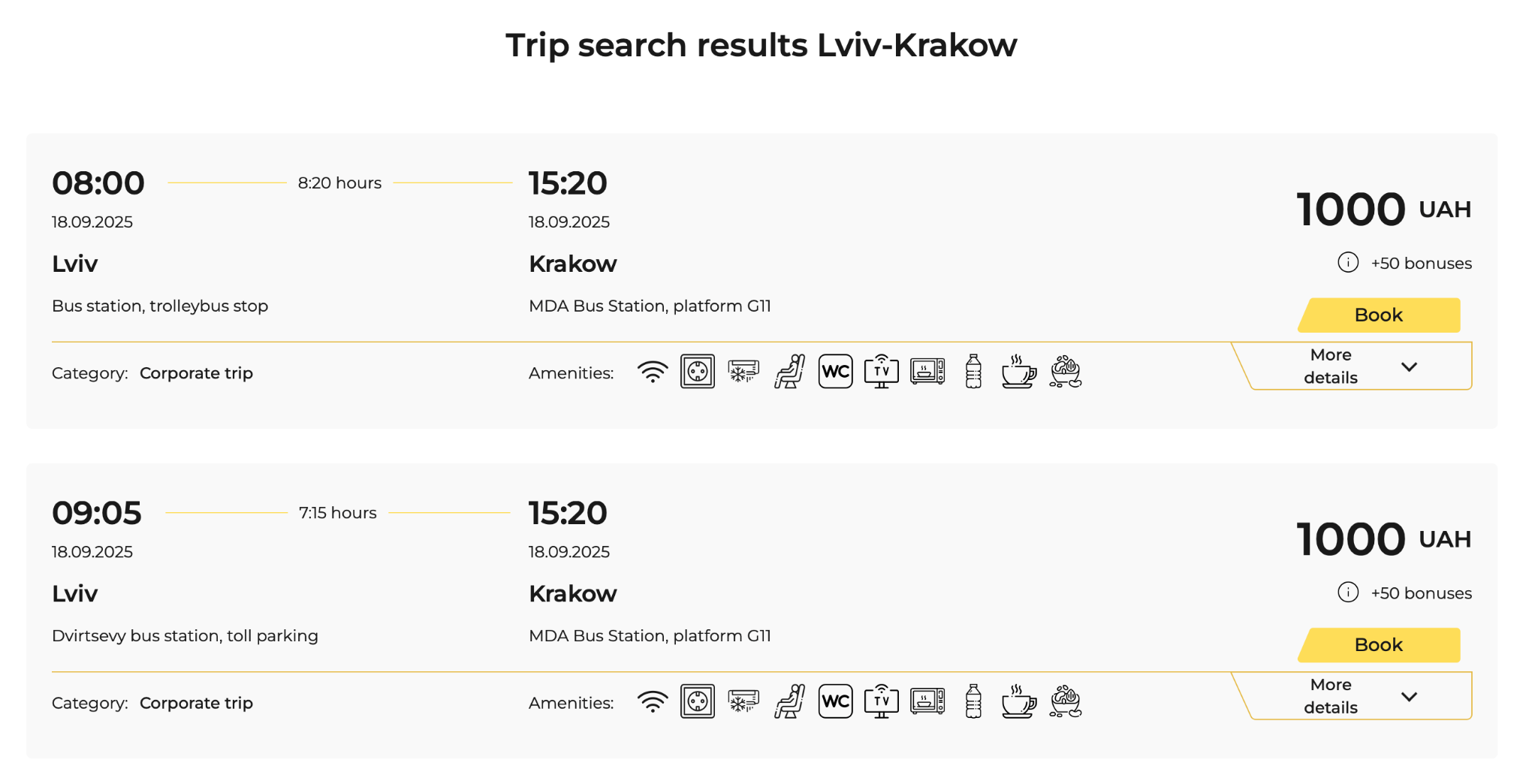
- After the available trips appear, select the one that suits you best in terms of time/price by clicking the “Book” button.
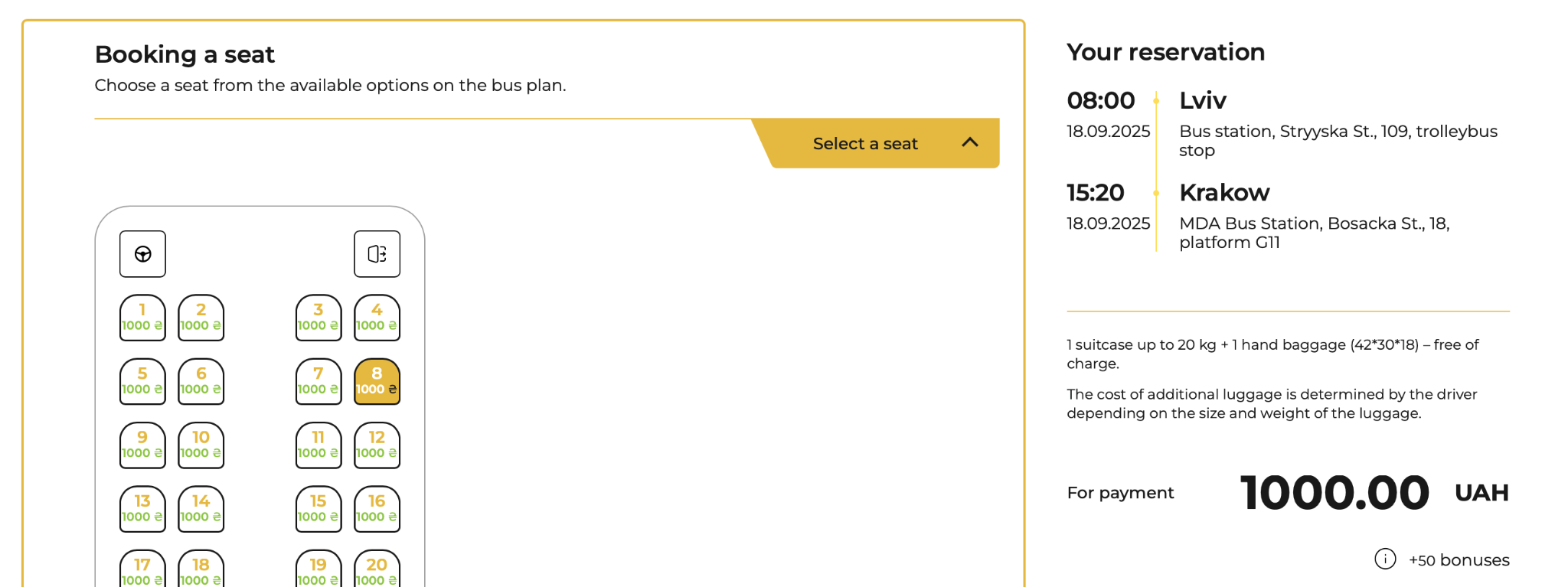
- A bus seating plan will appear — click on a free seat that is most comfortable for you.
-
4. Filling in passenger details and options (if needed)
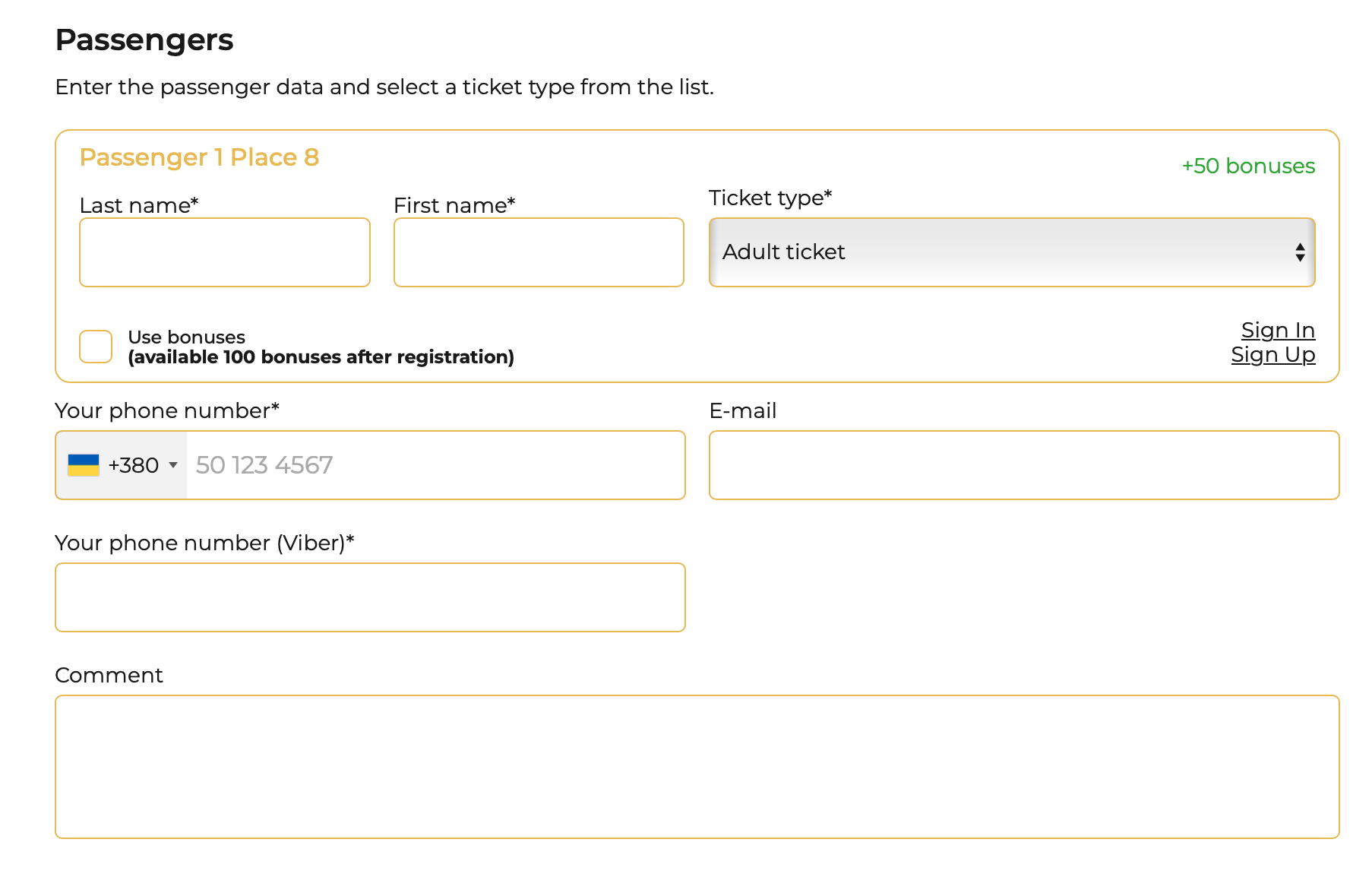
- Enter passenger information: first name, last name, and contact details. Then select the ticket type and discount, if available to you.
- If necessary, specify additional baggage or other preferences (for example, hand luggage, traveling with a pet, student discount, etc.).
- To save even more on your trip, you can use your bonuses. Simply tick the “Use bonuses” checkbox and enter the number of bonus points you want to apply for the ticket.
-
5. Paying or booking a ticket
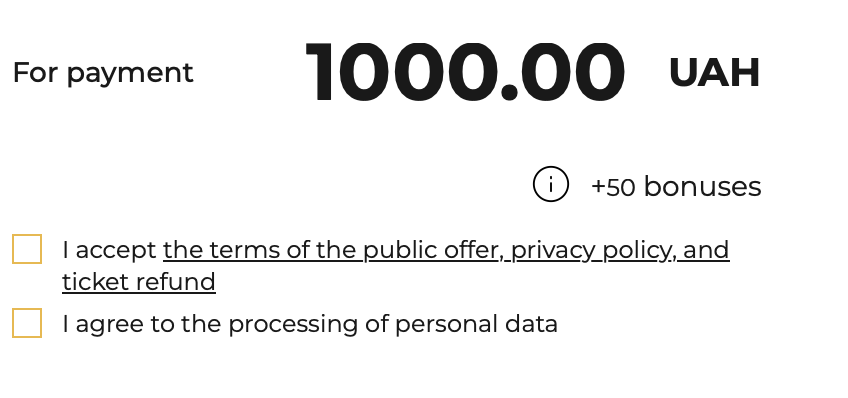
- Accept the terms of the public offer and consent to personal data processing.
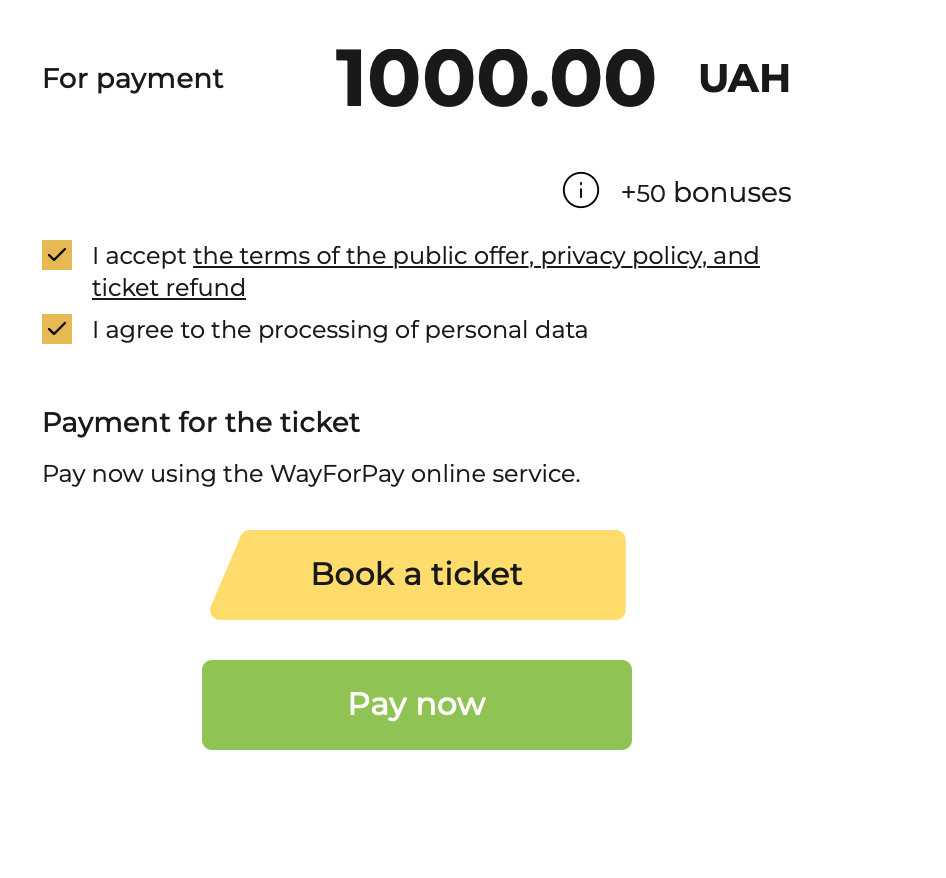
- If the website offers a “Book a ticket” option without immediate payment — choose it. This way, you make a preliminary reservation. A few days before the trip, you will need to confirm this booking. Our managers will contact you to do so.
- If you wish to pay immediately, click the “Pay now” button.
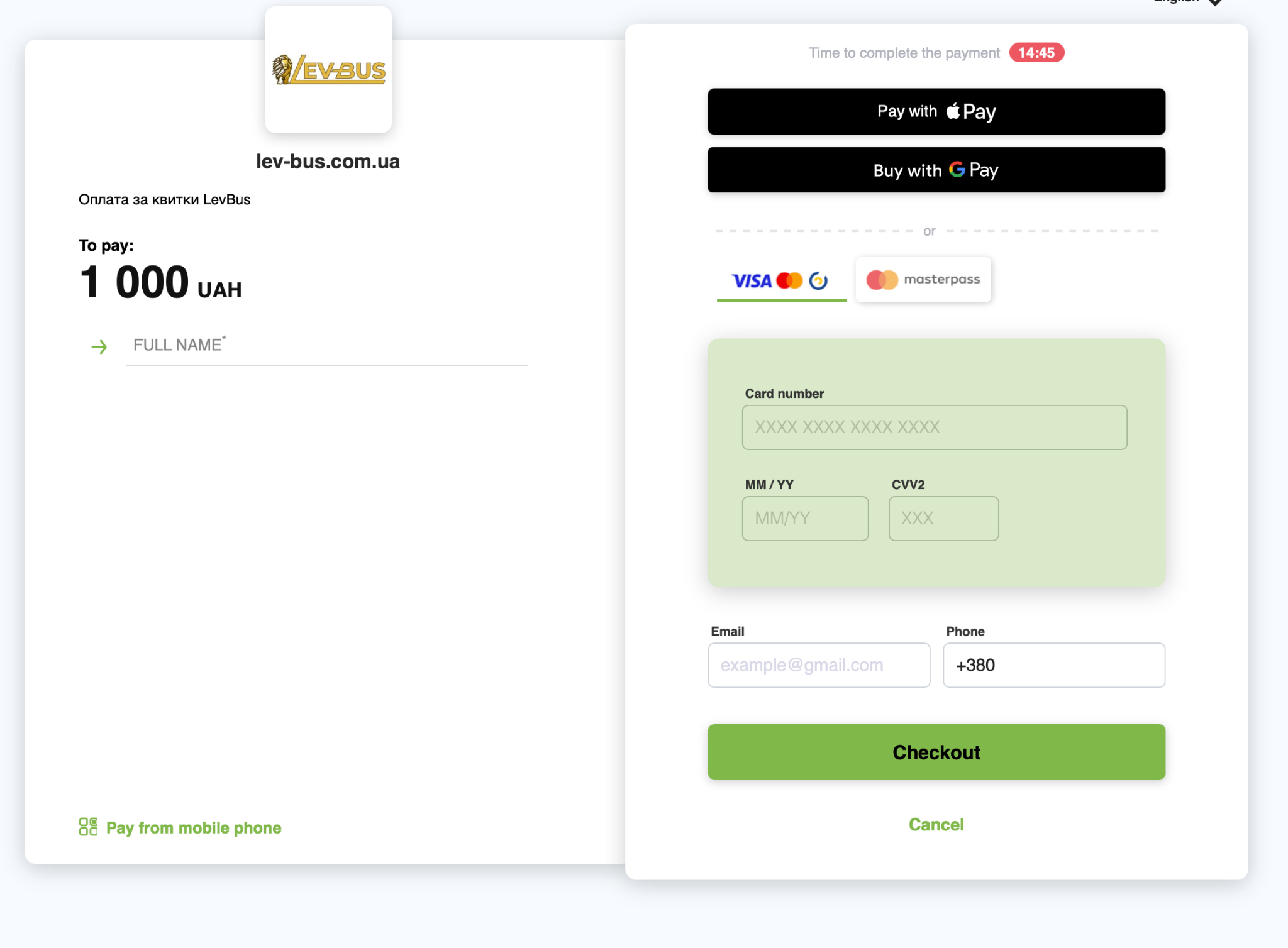
- Choose a payment method. Usually, online payment by card is available, as well as Apple Pay / Google Pay or other options.
Confirm the payment and wait for confirmation.
-
6. Receiving your ticket
- After successful payment, your ticket will be sent to your email and as an SMS message with a link to the electronic ticket.
- You don’t need to print it: it’s enough to show the ticket on your phone or other device.
-
7. Viewing existing tickets
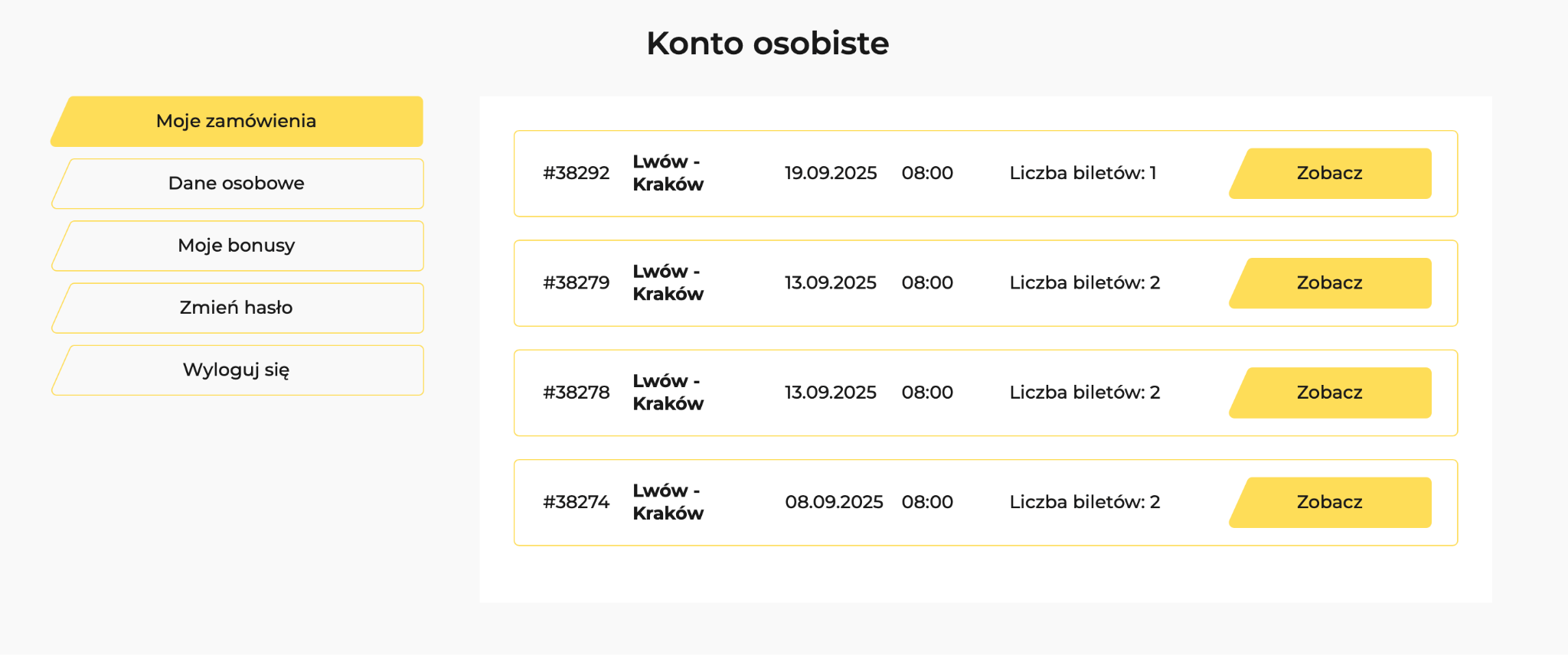
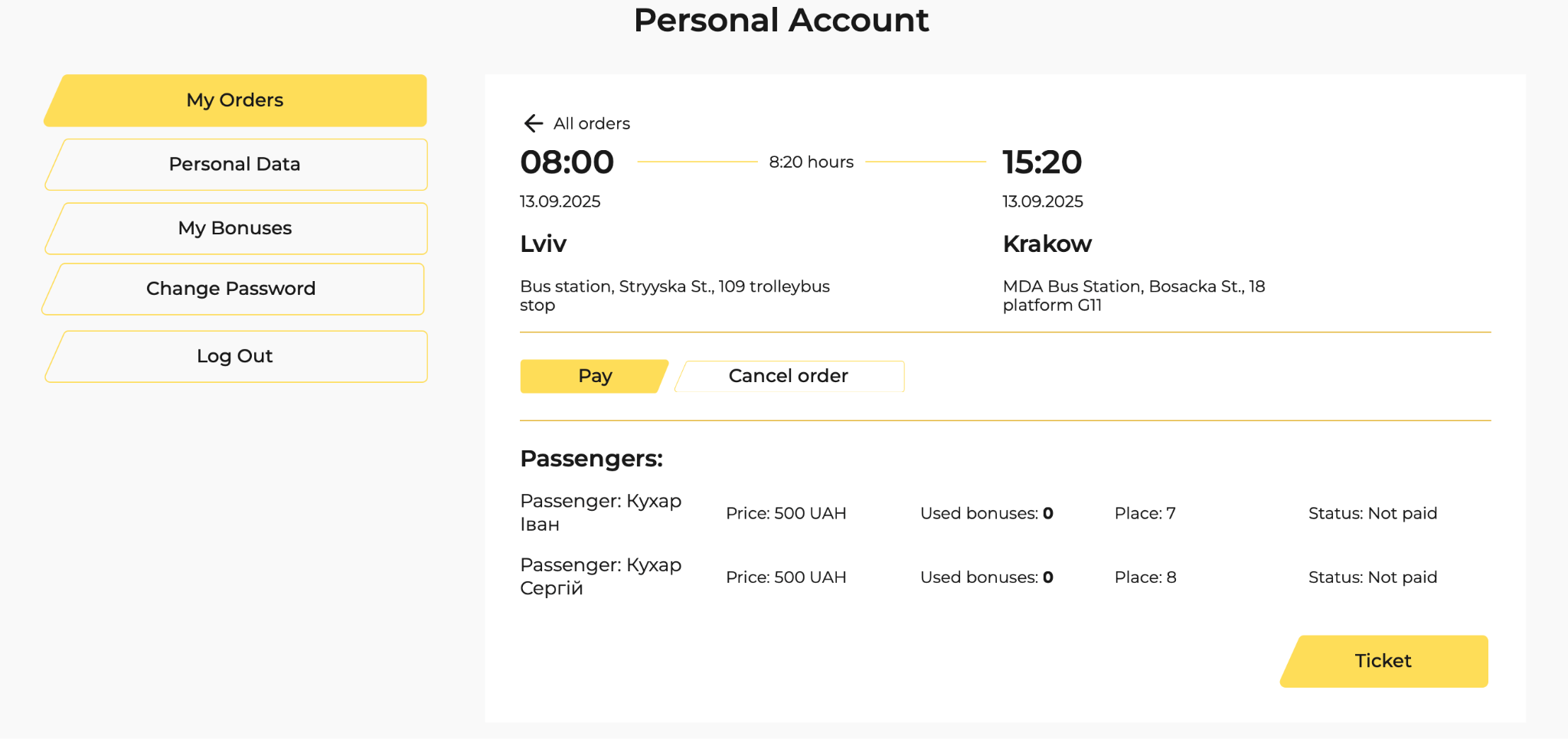
- You can view your purchased or booked tickets in your Personal Account.